
Emotional bonds
Emotional bonds are the colored lines that show how two people relate, from closeness and love to conflict, cutoff, and fusion.
Draw a bond
Two ways to add an emotional bond:
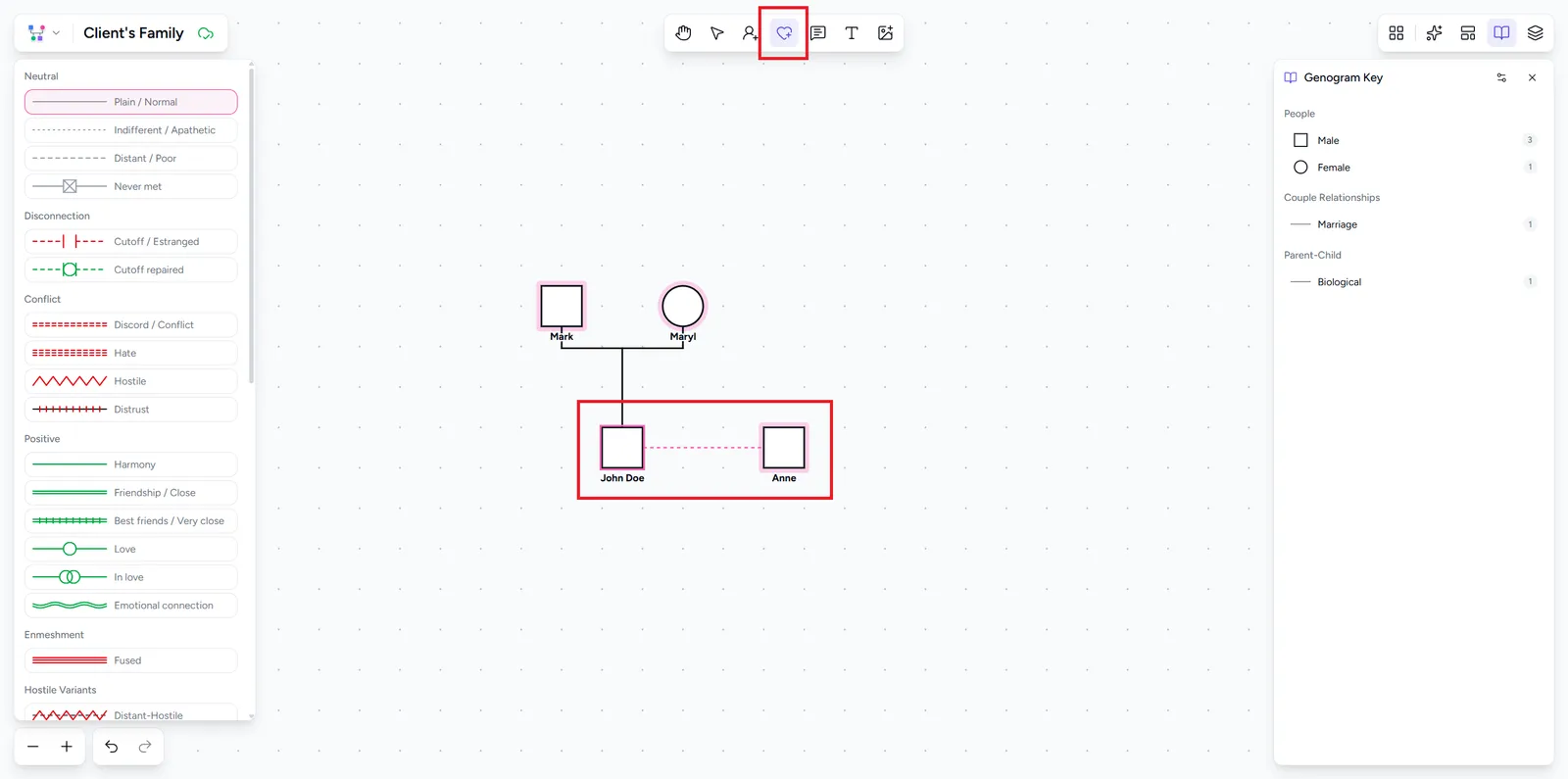
- Choose the Add emotional bond tool (E) from the top toolbar, then click the first person, then the second.
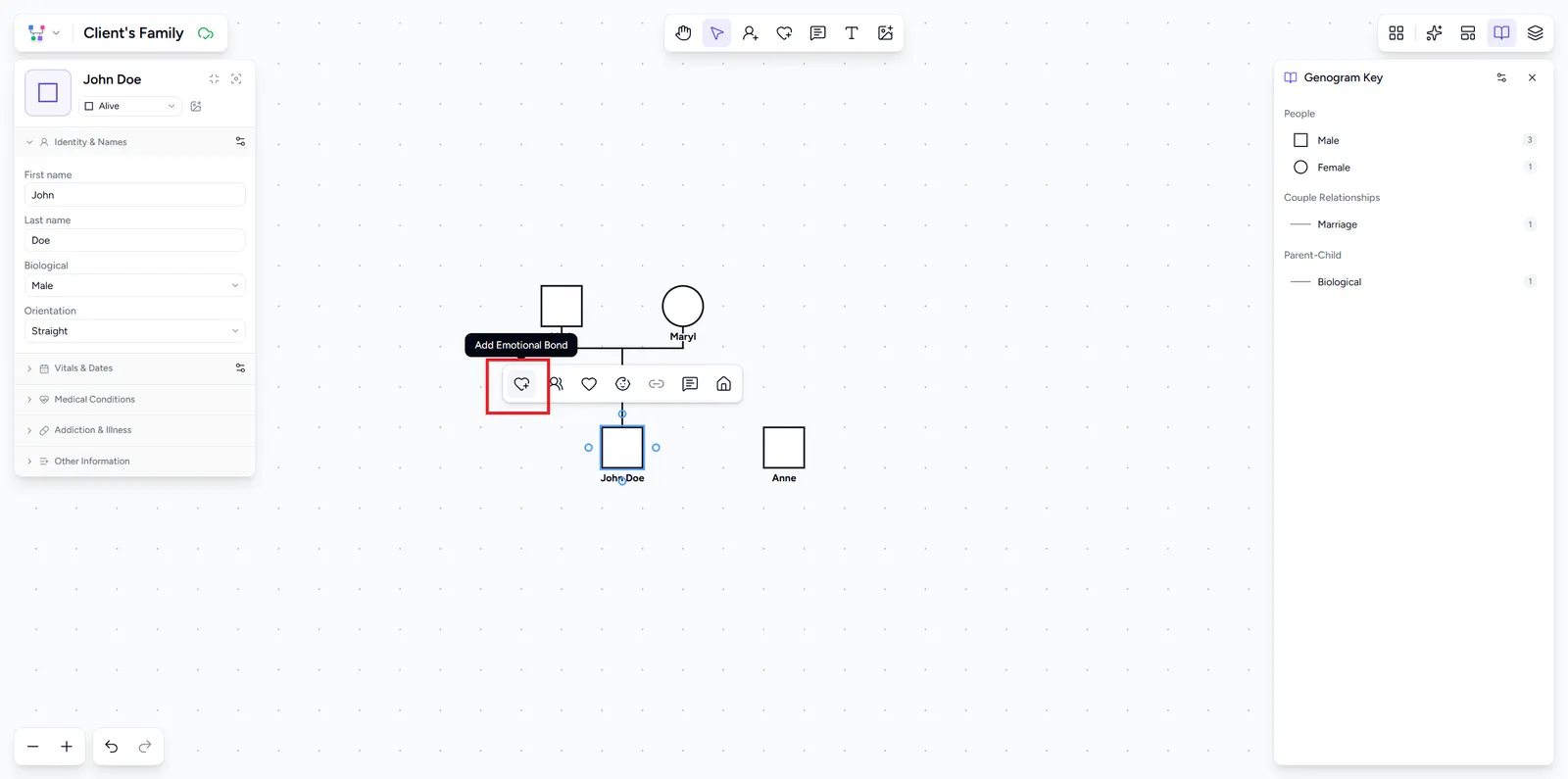
- Or select a person, choose Add emotional bond from their selection toolbar, then pick the other person.
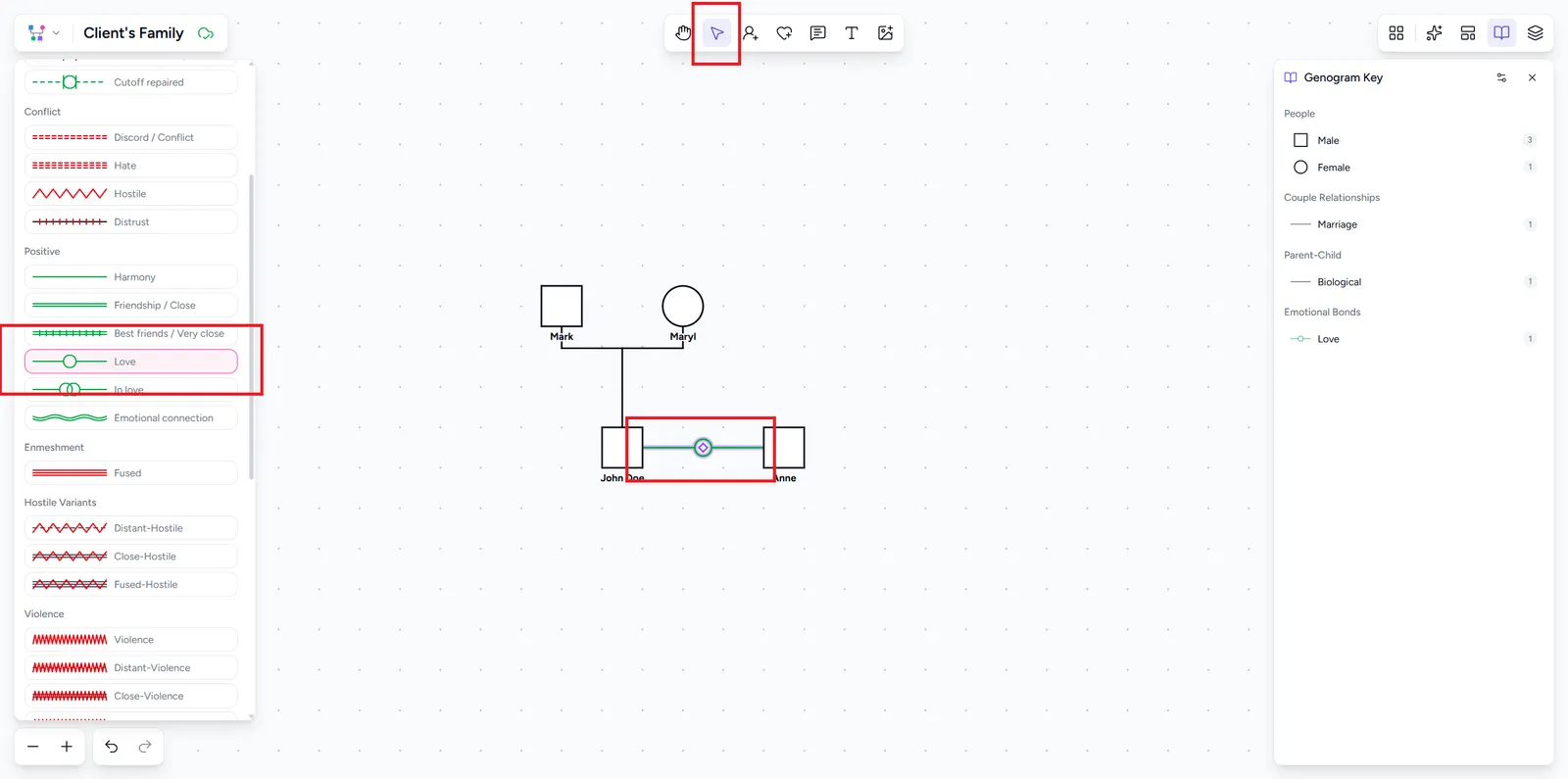
The bond is separate from any family or couple line between the two. Two people can have more than one bond. Each gets its own line, drawn side by side.
Choose a bond type
Select the bond line to open it in the side panel, then click the type at the top to open the type list. Each type has its own line style and color, with a one-line description. Types are grouped as neutral, disconnection, conflict, positive, enmeshment, hostile, violence, abuse, control, and focused.
For the full catalog and what each one means, see relationship lines in the guide.
Set the direction
Arrowed types, such as abuse, control, fear, and caretaking, point from the first person you clicked to the second. The side panel shows them as From and To. Click Reverse direction next to Connected people to swap them.
Add more than one bond
Use several bonds when a relationship differs by direction, for example physical abuse from a parent to a child and fear from the child back to the parent.
Draw another bond between the same two people, or select a bond and click Add emotional bond under All emotional bonds. That list shows every bond between the pair. Click one to select it.
Edit or remove a bond
To change a bond, select its line and pick a different type. To remove it, select the line and click the trash icon in the side panel, or press Delete. Removing a bond does not touch the family or couple connections between the same two people.